
Change My Password
Put your cursor over your name in the upper right corner of any page, then click on "My Profile".
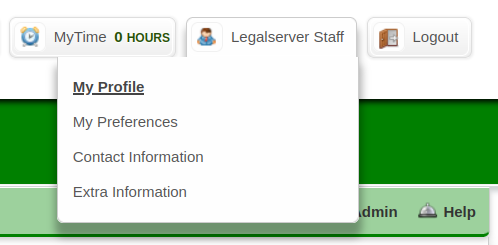
If you get a "Permission Denied" page, contact one of the site administrators within your organization.
If you can view your profile, click the Actions menu > Change Password link.
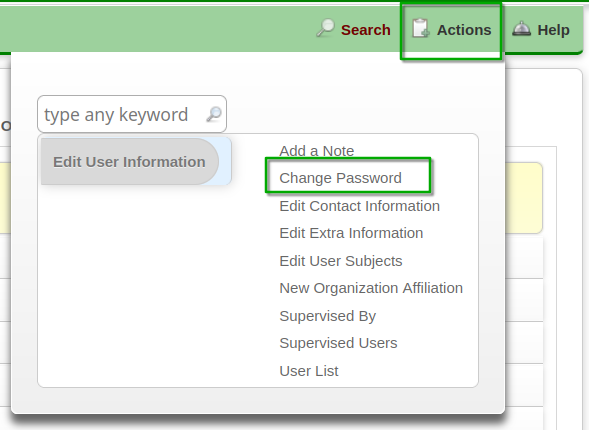
If you don't see the Actions menu or the Change Password link, contact one of the site administrators within your organization.
Password requirements can vary for each site.